Creating a productive home office environment is essential for anyone working remotely or managing tasks from home. A well-planned space can boost focus, reduce distractions, and improve overall work satisfaction. Whether you have a dedicated room or a small corner, the following tips will help you optimize your home office for maximum productivity.
1. Choose the Right Location
Consider Natural Light and Quietness
Pick a spot in your home that offers plenty of natural light, which can improve mood and energy levels. Avoid areas with heavy foot traffic or frequent noise to minimize distractions.
Space and Comfort
Ensure there’s enough room for your essential office furniture and equipment. Even a small, well-organized area can work if planned carefully.
2. Invest in Ergonomic Furniture
Comfortable Chair
A supportive chair that encourages good posture is crucial. Look for adjustable height, lumbar support, and comfortable padding.
Proper Desk Height
Your desk should allow your elbows to rest comfortably at a 90-degree angle when typing. Adjustable desks or sit-stand options can add flexibility to your routine.
3. Organize Your Workspace Efficiently
Declutter Regularly
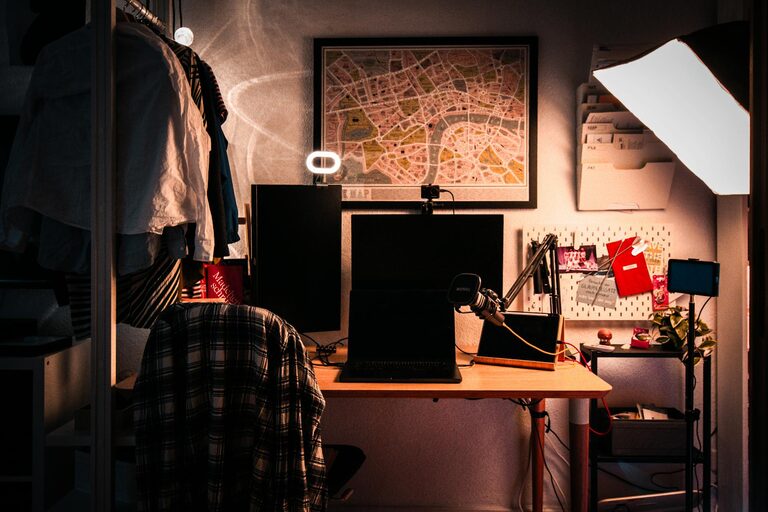
Keep only what you need on your desk to maintain a clean and neat environment. Use storage solutions like drawers, shelves, or organizers to store supplies and documents.
Use Functional Tools
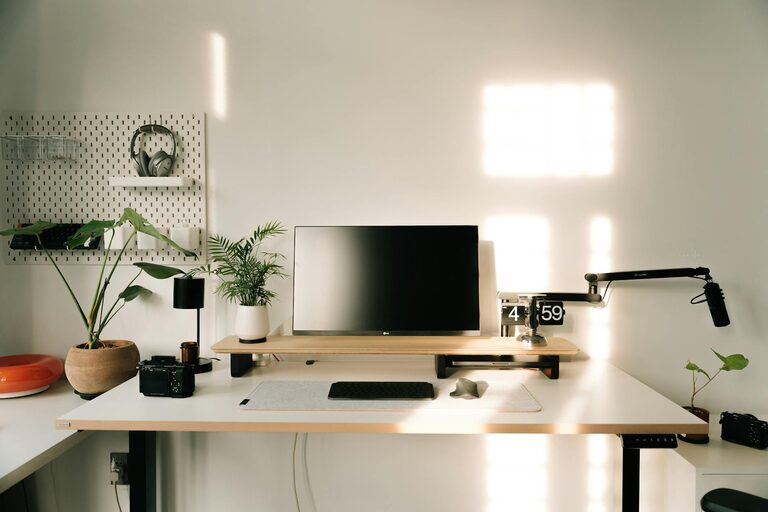
Products like cable management clips, desk organizers, and monitor stands can help keep your space tidy and efficient.
4. Manage Lighting Effectively
Balance Natural and Artificial Light
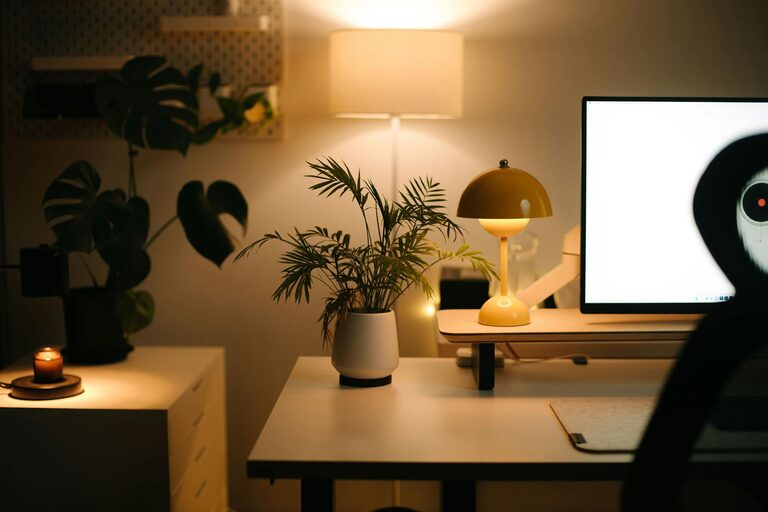
Use desk lamps or overhead lighting to prevent eye strain, especially during cloudy days or evening work sessions. Avoid glare on your computer screen by positioning lights thoughtfully.
Consider Warm or Cool Light Options
Warm lighting is relaxing, while cool lighting can keep you alert. Choose the lighting type that best matches your work style and the time of day.
5. Minimize Distractions
Set Boundaries
If you live with others, communicate your working hours and the importance of minimizing interruptions.
Use Noise Cancellation
Headphones or white noise machines can help block distracting sounds, creating a quieter environment suited for concentration.
Limit Digital Distractions
Turn off non-essential notifications and use apps that restrict social media or other distracting websites during work hours.
6. Personalize Your Space
Add Comforting Elements
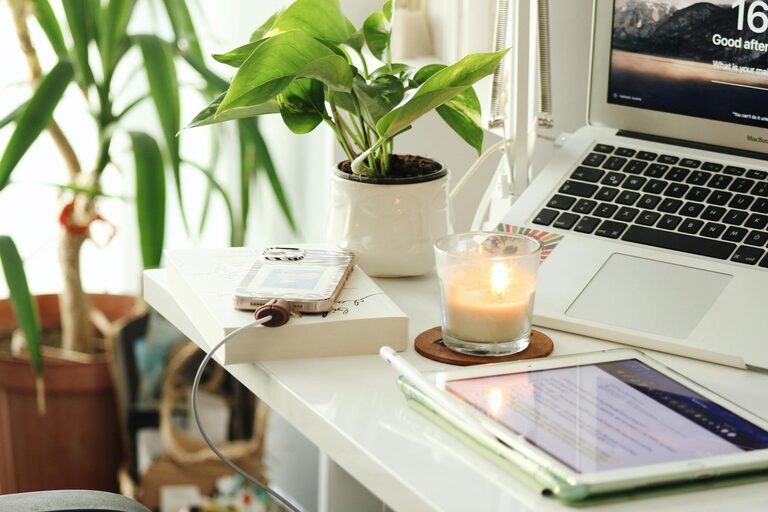
Plants, artwork, or personal photos can make your office feel inviting and boost your mood.
Keep it Professional
While personalization is good, avoid clutter or overly distracting decorations that could interfere with focus.
7. Maintain Air Quality and Temperature
Ventilation
Good airflow helps keep you alert and comfortable. If possible, open windows or use fans and air purifiers.
Temperature Control
Keep your workspace at a comfortable temperature, neither too hot nor too cold, which can affect productivity and concentration.
8. Plan Your Workflow and Breaks
Use a Schedule
Define your working hours and stick to them. Incorporate breaks to stretch, move around, or rest your eyes.
Set Goals
Starting the day with clear, achievable objectives can keep you motivated and on track.
—
Creating an efficient home office environment takes thoughtful planning and ongoing adjustments. By focusing on comfort, organization, and minimizing distractions, you can transform your home workspace into a place where productivity thrives. Start with small changes, and over time, you’ll notice how they contribute to a better work experience.